
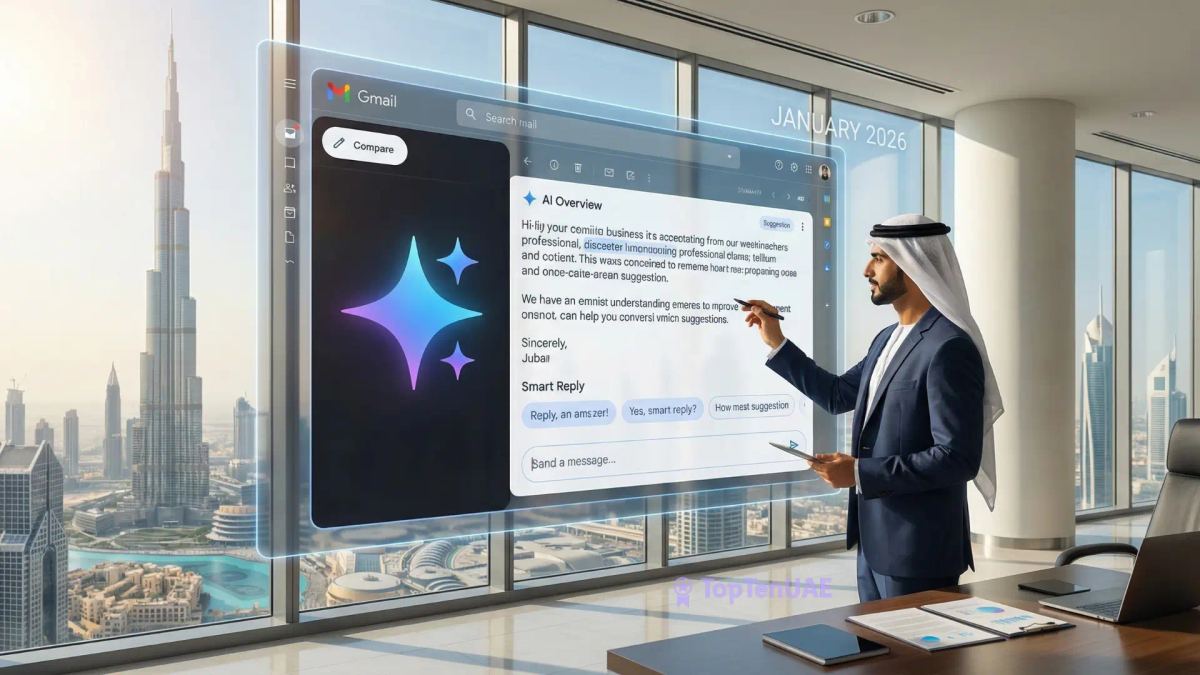
Key Takeaways:
- Gemini 3 Engine: Gmail now runs on Google's most advanced AI, offering deeper context and faster processing.
- Instant Summaries: New "AI Overviews" turn long 50-email threads into a bulleted list of action items—automatically.
- Inbox Q&A: You can now "chat" with your inbox to find specific details (like prices or dates) without searching keywords.
- Contextual Drafting: The "Help Me Write" tool now pulls data from your Google Drive files to draft accurate, professional replies.
- Privacy First: Enterprise data is isolated and never used to train public AI models, keeping UAE business data secure.
In January 2026, Google officially transitioned Gmail into the "Gemini Era." Marking over 20 years since its launch, this isn't just a minor update—it is a fundamental reimagining of how we manage communication.
With the rollout of Gemini 3 models (Pro and Flash) directly into Workspace, the inbox is no longer just a storage container for messages; it is an active assistant. For professionals in the UAE’s fast-paced business hubs like Dubai and Abu Dhabi, these AI-powered features are set to reclaim hours of lost productivity every week.
Here is everything you need to know about the new Gmail experience and how to make the most of it.
1. The Power of "AI Overviews" for Email
We have all been CC’ed into a 50-message thread that feels impossible to catch up on. Gemini 3 now introduces AI Overviews at the very top of long conversations.
- The Benefit: Instead of scrolling through weeks of back-and-forth, you get a concise, bulleted list of the latest decisions, pending questions, and exactly who needs to do what.
- Pro Tip: On mobile (iOS and Android), these summary cards appear automatically. This is a game-changer for Dubai commuters, allowing you to "get the gist" of a project update while on the move between meetings without opening the full thread.
2. Gmail Q&A: Your Inbox is Now a Database
Searching for a specific detail—like a flight confirmation or a vendor’s quote from six months ago—used to require precise keywords. In the Gemini era, you can simply ask your inbox like you would a colleague.
- The Feature: Using the Gemini side panel, you can type: "What was the final price quoted by the landscaping company last November?"
- The Difference: Gemini doesn’t just search for keywords; it understands the context of your attachments (PDFs, Sheets) and threads to give you a direct answer, not just a list of emails.
3. "Help Me Write" Goes Contextual (And Local)
The "Help me write" feature has evolved significantly. It no longer just drafts generic templates; it now references your Google Drive and Docs to provide accurate, data-backed replies.
- The Use Case: You can prompt Gemini to "Draft a response to this proposal using the budget figures from @Project_X_Spreadsheet."
- UAE Localisation Tip: In the UAE, business communication often requires balancing efficiency with high formality. The "Formalise" button is a lifesaver here. It can instantly convert a quick, bulleted note into a respectful, polished email suitable for government correspondence or senior management in Dubai.
Comparison: Free vs. Paid Gemini Features (Jan 2026)
| Feature | Gmail (Free Users) | Gemini Business / Ultra |
|---|---|---|
| Email Summarization | Standard | Deep Context (Cross-App) |
| Help Me Write | Basic Drafting | Full Context-Aware Drafting |
| Gmail Q&A | Limited | Advanced (Search Drive/Calendar) |
| Smart Replies | Basic Phrases | Personalized Contextual Replies |
4. Addressing the Privacy Question
With great power comes the need for transparency. Recent 2026 discussions have highlighted that "Smart Features" are often enabled by default.
- For the User: It is highly recommended to review your "Smart features and personalization" settings in Gmail to ensure you are comfortable with the level of AI assistance.
- Data Security: Google has reiterated that for Workspace Enterprise users, data used in these interactions is not used to train their global public models. This keeps your sensitive business information private within your organization.
5. Practical Application for UAE Businesses
The shift to AI reading emails changes how businesses should send them. For recruitment portals or government service sites—like GovtJobsNet.com—the Gemini era means your automated emails are now being "read" and "summarized" by AI for the end-user.
- Optimization Tip: If you run a business sending automated updates, ensure your emails use clear, semantic HTML and headers. This helps Gemini's parser accurately identify "Action Items" (like interview dates or application statuses) and present them clearly to the candidate in their summary view.
How to Activate Gemini in Your Inbox
If you don't see these features yet, follow these quick steps to ensure your account is ready:
- Check Your Plan: As of early 2026, the full Gemini 3 capabilities are rolling out primarily to Google Workspace business accounts and Google One AI Premium subscribers.
- Enable Smart Features: Go to Settings (Gear Icon) > General and ensure "Smart features and personalization" is checked. Without this, Gemini cannot analyze your content.
- Look for the Sparkle: The Gemini interface appears as a "Sparkle" icon (✨) in the top right corner of the web interface or adjacent to the "Reply" button on mobile.
Final Verdict: Adapt or Fall Behind?
The integration of Gemini 3 into Gmail marks the end of "email overload" as a valid excuse. For UAE professionals managing high volumes of correspondence, mastering these tools is no longer just a convenience—it is a competitive advantage. By offloading the summarizing, searching, and drafting to AI, you can spend less time in your inbox and more time on the decisions that actually matter.