Choose by the work you actually do
| Work pattern | Practical starting point | Best-fit path here |
|---|
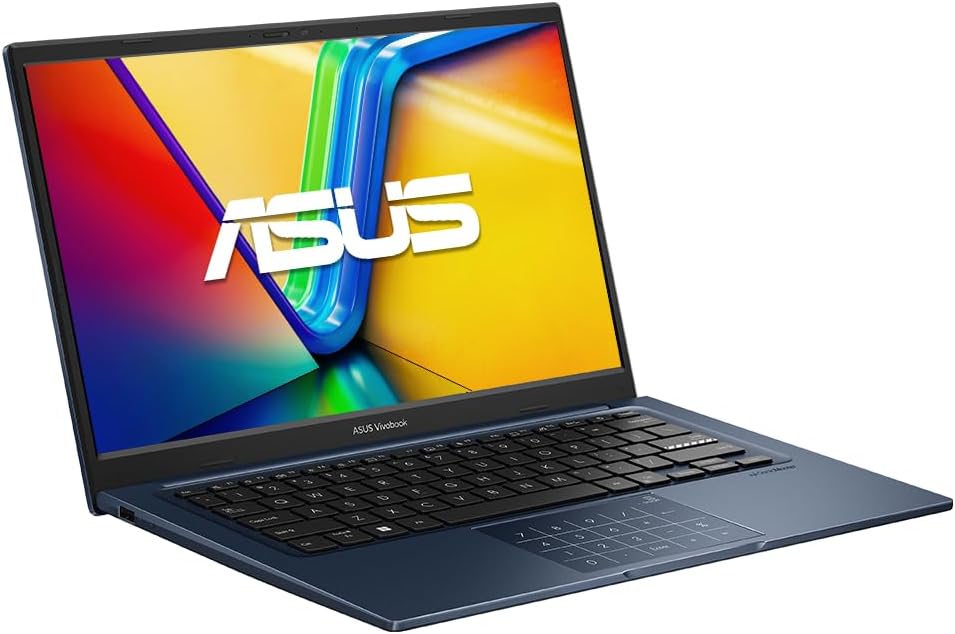
| Word, PowerPoint, email, browser and normal spreadsheets | 16GB RAM and 512GB SSD | Vivobook 14 |
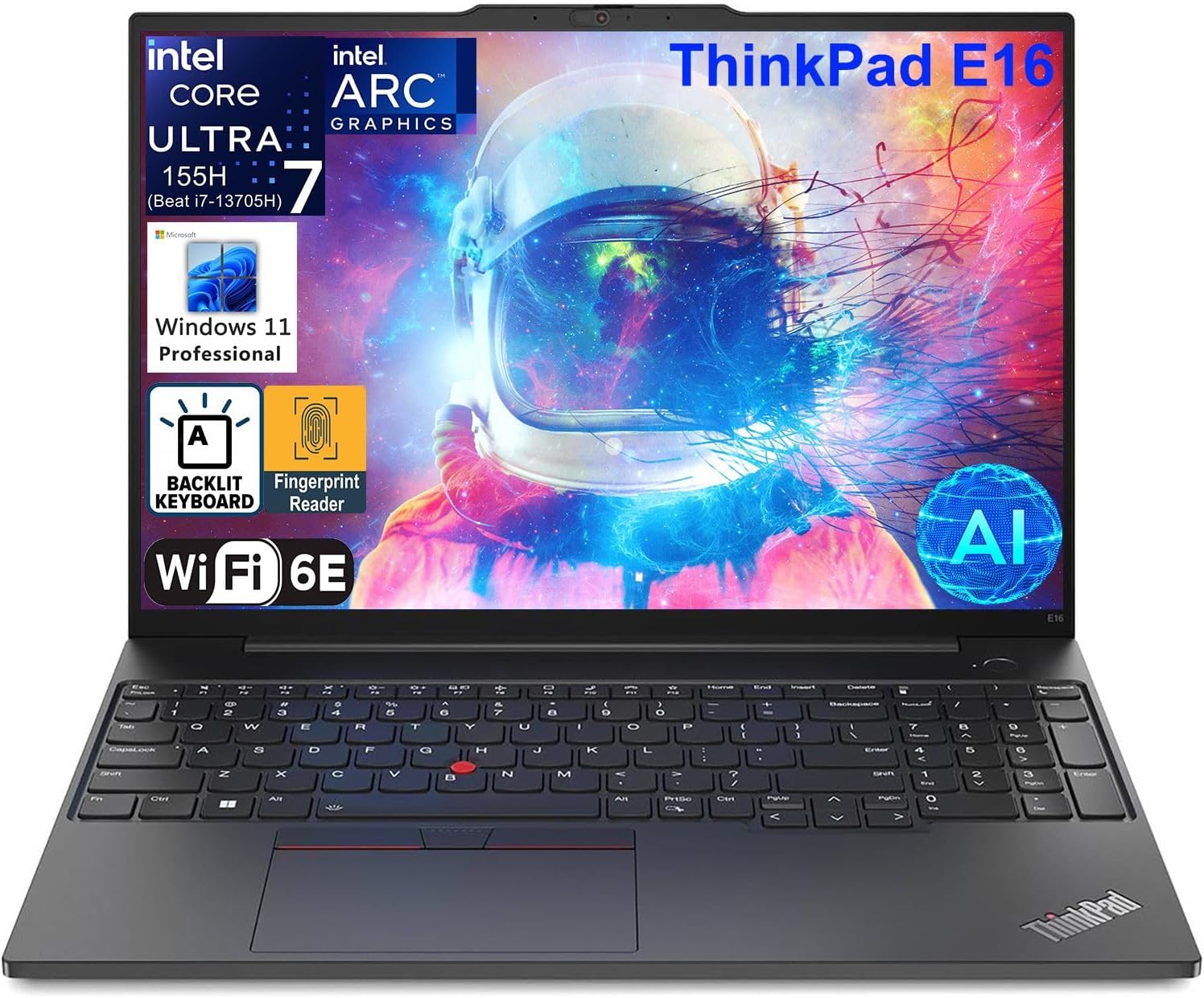
| Large workbooks, many tabs, Teams and multiple apps | 32GB RAM and 1TB SSD when the workload justifies it | ThinkPad E16 |
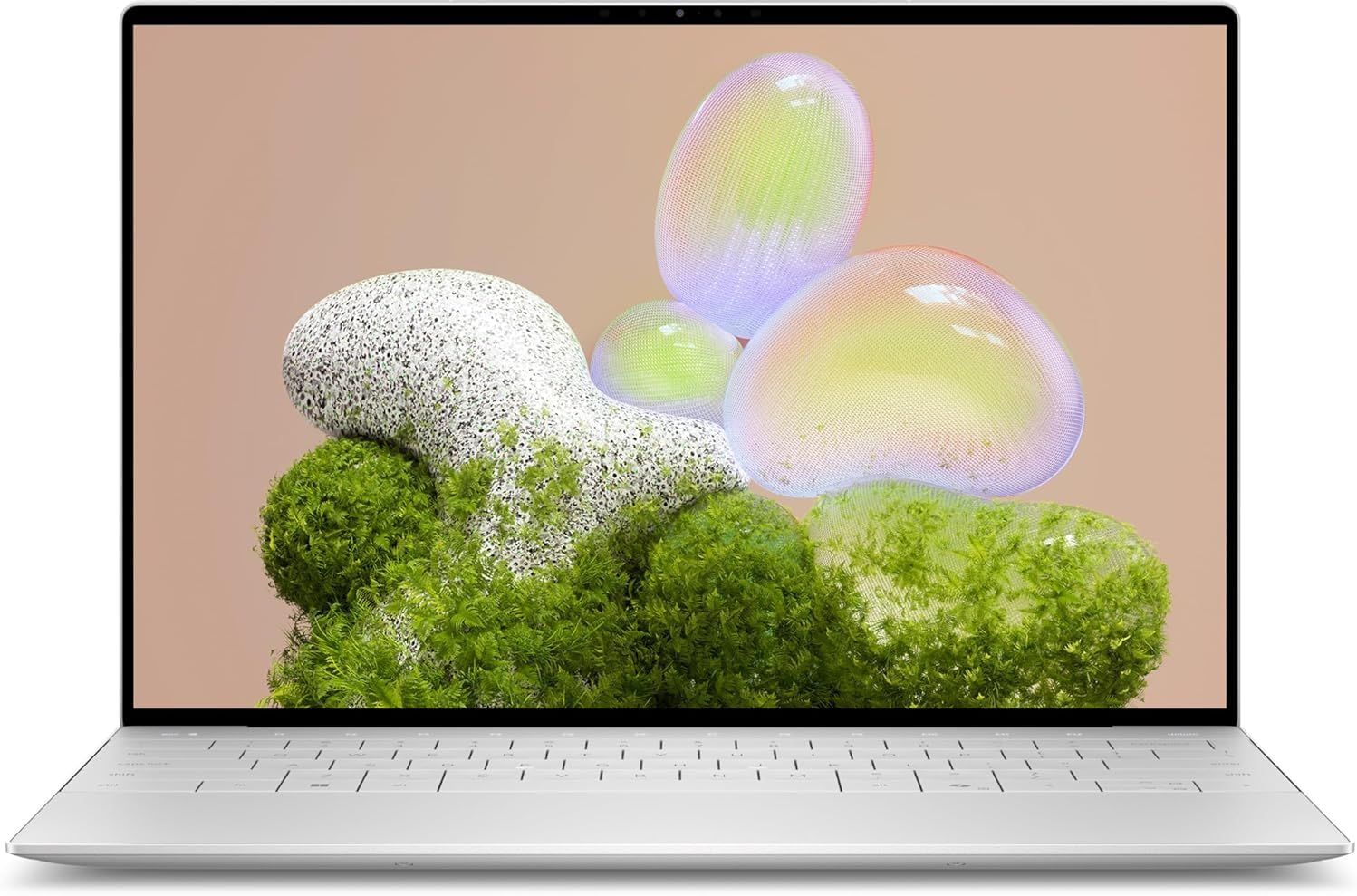
| Frequent travel with conventional Windows compatibility | Compact x86 laptop; check ports and dock needs | Dell XPS 13 |
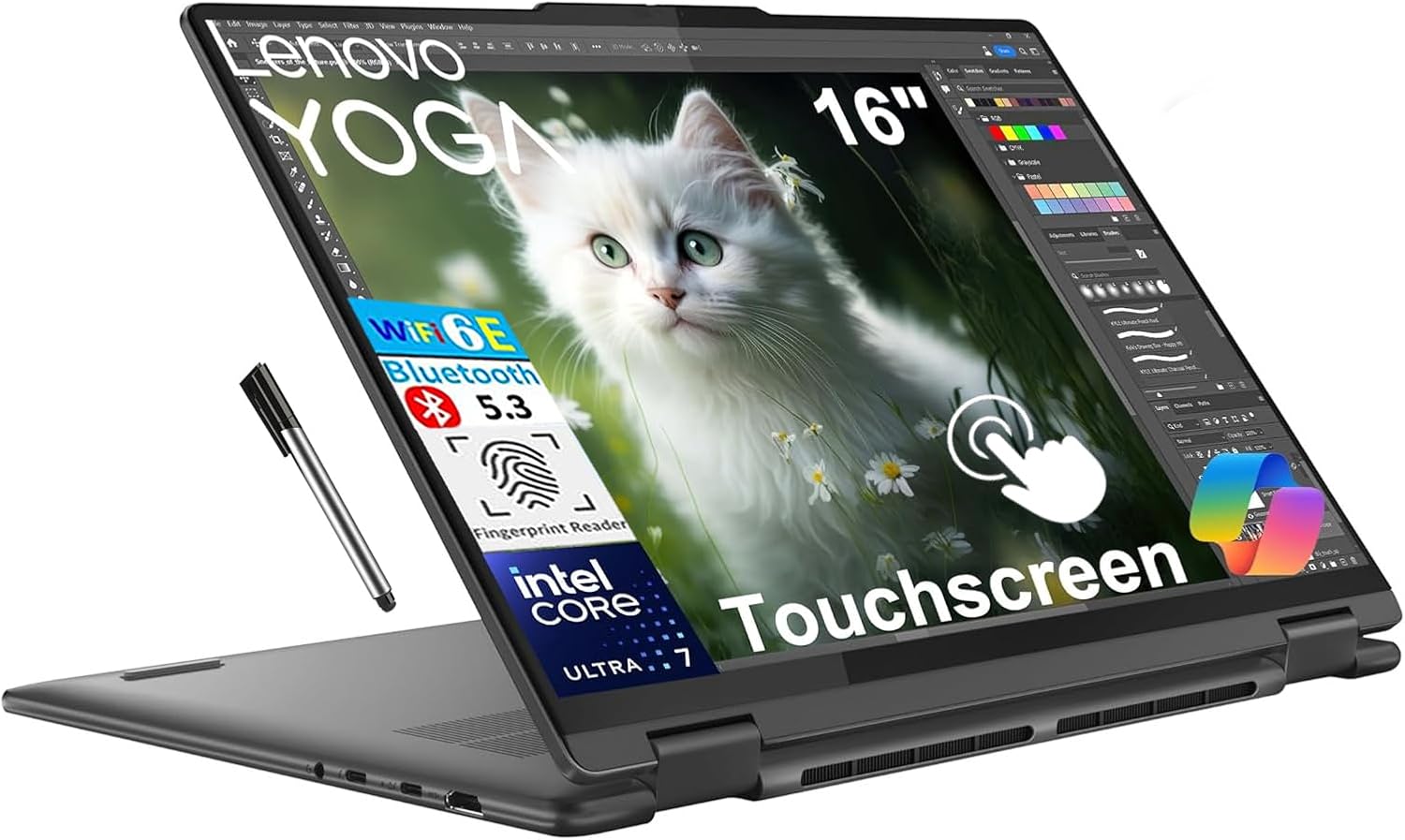
| Presentations, touch and flexible desk use | Large touchscreen 2-in-1 | Yoga 7i |
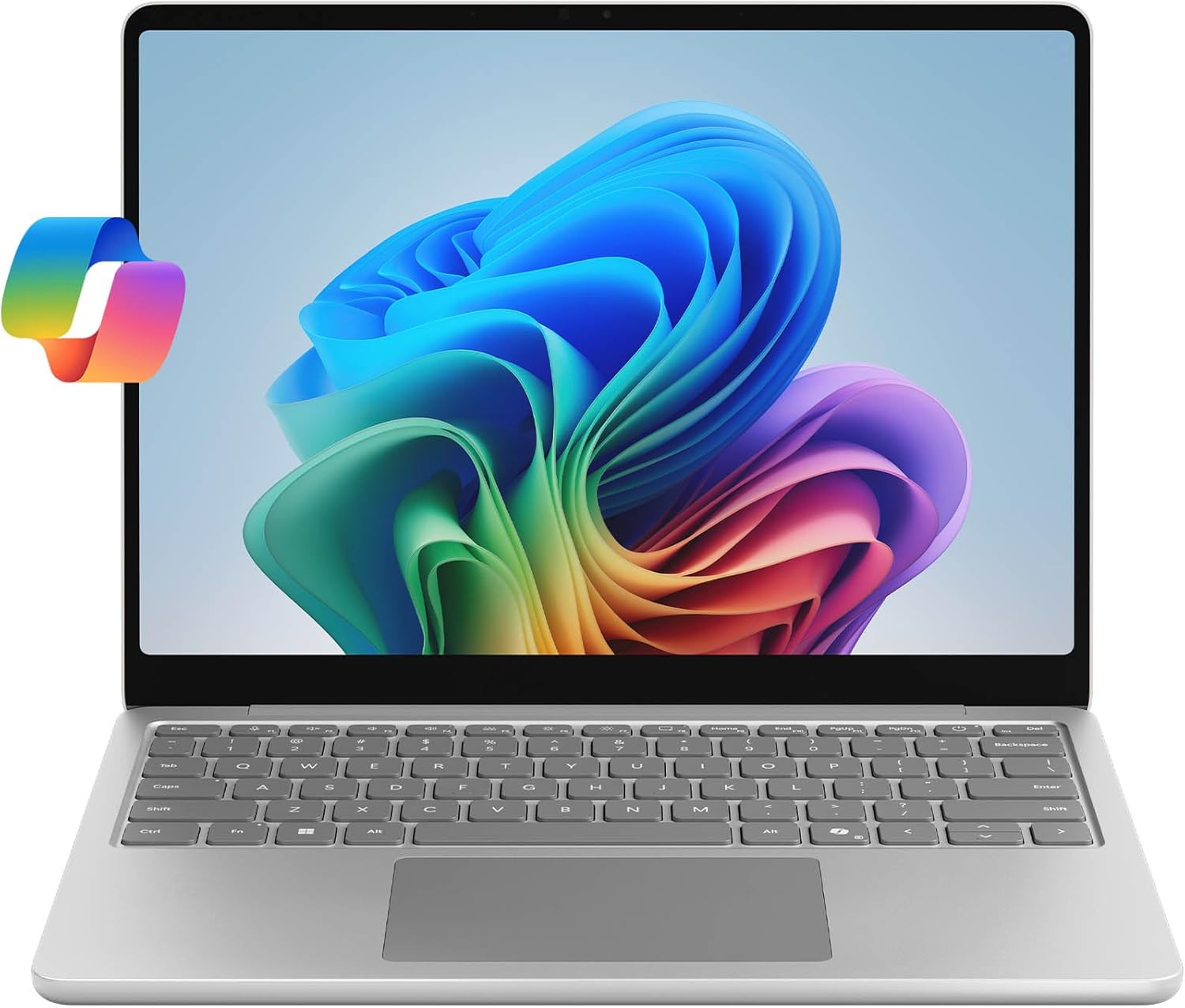
| Maximum mobility with Windows on Arm | Verify every company tool first | Surface Laptop 13 |
Work patternWord, PowerPoint, email, browser and normal spreadsheets
Practical starting point16GB RAM and 512GB SSD
Best-fit path hereVivobook 14
Work patternLarge workbooks, many tabs, Teams and multiple apps
Practical starting point32GB RAM and 1TB SSD when the workload justifies it
Best-fit path hereThinkPad E16
Work patternFrequent travel with conventional Windows compatibility
Practical starting pointCompact x86 laptop; check ports and dock needs
Best-fit path hereDell XPS 13
Work patternPresentations, touch and flexible desk use
Practical starting pointLarge touchscreen 2-in-1
Best-fit path hereYoga 7i
Work patternMaximum mobility with Windows on Arm
Practical starting pointVerify every company tool first
Best-fit path hereSurface Laptop 13
Business laptop comparison
| Laptop | Exact configuration | Business role | Main limitation |
|---|
| ThinkPad E16 Gen 2 | Core Ultra 7 155H / 32GB / 1TB / 16-inch WUXGA / Windows 11 Pro | Heavy office multitasking and docking | Seller-upgraded; 1.81kg starting weight |
| Vivobook 14 X1404VA | Core i5-1334U / 16GB / 512GB / 14-inch FHD / Windows 11 Pro | Value office work | 720p camera; Wi-Fi 5; seller-upgraded |
| Dell XPS 13 9350 | Core Ultra 7 256V / 16GB / 1TB / 13.4-inch FHD+ / Windows 11 Home | Premium x86 travel | Two USB-C ports; integrated memory |
| Yoga 7i 16IML9 | Core Ultra 7 155U / 16GB / 1TB / 16-inch touch / Windows 11 Home | 2-in-1 presentations and desk work | About 1.99kg; seller-upgraded |
| Surface Laptop 13 | Snapdragon X Plus / 16GB / 256GB / 13-inch touch / Windows 11 Home | Arm-based mobile work | Compatibility check and limited storage |
LaptopThinkPad E16 Gen 2
Exact configurationCore Ultra 7 155H / 32GB / 1TB / 16-inch WUXGA / Windows 11 Pro
Business roleHeavy office multitasking and docking
Main limitationSeller-upgraded; 1.81kg starting weight
LaptopVivobook 14 X1404VA
Exact configurationCore i5-1334U / 16GB / 512GB / 14-inch FHD / Windows 11 Pro
Business roleValue office work
Main limitation720p camera; Wi-Fi 5; seller-upgraded
LaptopDell XPS 13 9350
Exact configurationCore Ultra 7 256V / 16GB / 1TB / 13.4-inch FHD+ / Windows 11 Home
Business rolePremium x86 travel
Main limitationTwo USB-C ports; integrated memory
LaptopYoga 7i 16IML9
Exact configurationCore Ultra 7 155U / 16GB / 1TB / 16-inch touch / Windows 11 Home
Business role2-in-1 presentations and desk work
Main limitationAbout 1.99kg; seller-upgraded
LaptopSurface Laptop 13
Exact configurationSnapdragon X Plus / 16GB / 256GB / 13-inch touch / Windows 11 Home
Business roleArm-based mobile work
Main limitationCompatibility check and limited storage
Excel and Microsoft 365: standard work versus heavier multitasking
Word, PowerPoint, Outlook, browser work and ordinary spreadsheets do not require a premium processor badge. The Vivobook’s 16GB/512GB configuration is the value path here. For large workbooks, many simultaneous applications or heavier data work, the ThinkPad’s 32GB/1TB configuration provides more memory and storage headroom. This is practical configuration guidance, not a benchmark claim.
Confirm add-ins, macros, accounting software, database connectors and company management tools before choosing macOS or Windows on Arm. The Windows laptop vs MacBook decision guide covers the platform choice in more detail.
Teams, video meetings and external displays
Check the exact webcam, microphones, speakers, ports and dock support rather than assuming every premium laptop is meeting-ready. The ThinkPad offer states a 1080p IR camera, privacy shutter and dual-array microphones; the Vivobook states a 720p camera. External-monitor support depends on the selected port, cable, dock and display resolution.
Business travel and service risk
Compare the laptop and charger together, then check ports, keyboard language, return terms and who provides warranty service. Dell specifies the XPS platform from about 1.17kg and Microsoft specifies the Surface from about 1.22kg; those are manufacturer starting weights, not measurements of these marketplace packages. Seller-upgraded ThinkPad, Vivobook, Yoga and Surface offers require extra scrutiny.
Security and serviceability
Windows edition, firmware features, fingerprint or IR sign-in and physical lock support can matter, but a consumer marketplace offer should not be called enterprise-certified without evidence. The ThinkPad description states firmware TPM 2.0, a fingerprint reader and Kensington slot. Confirm company management, encryption and support requirements with IT before purchase.
Windows on Arm: check the complete company workflow
The Surface is included only as a conditional mobility option. Before buying, confirm the organisation’s VPN, endpoint security, printer and scanner drivers, accounting tools, browser extensions, meeting software and specialist applications. Emulation does not replace an Arm-compatible driver. Use the platform compatibility guide for the detailed check.
Other laptop paths
Use the general laptop shortlist for broad home, study and work choices, the student guide for course-led decisions, the gaming guide for dedicated-GPU gaming, the AI laptop guide for NPU-led comparisons, or the complete laptop buying guide for specification education.