
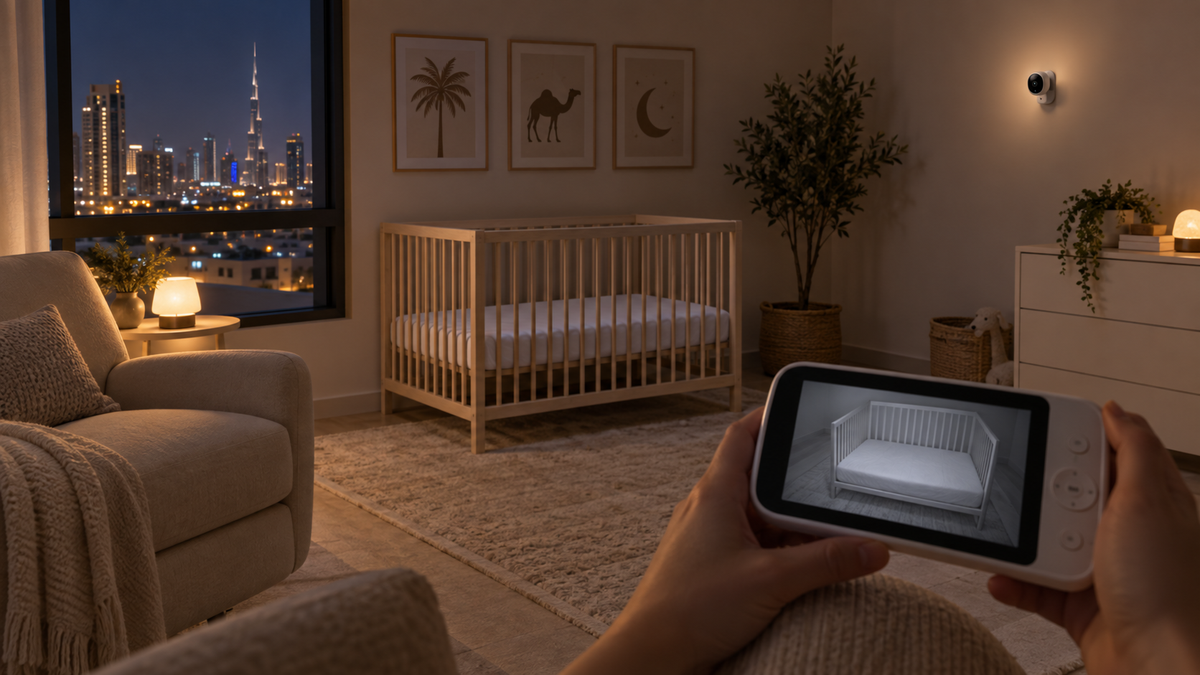
How infrared night vision works
Many cameras switch to infrared illumination in darkness and show a black-and-white image. The infrared LEDs are not a promise of detail at every distance; lens, sensor, compression, focus and room surfaces all affect the result.
Colour low-light modes
Some models advertise colour at night, but may need a night-light, ambient light or visible spotlight. Confirm whether the mode is automatic, whether it changes sleep-room lighting and whether colour is available on both parent display and app.
What to inspect
| Check | Why it matters |
|---|---|
| Actual distance | Marketing close-ups may not match a safely placed camera |
| Crib coverage | The whole relevant sleep area should remain visible |
| Motion | Long exposures or compression can smear movement |
| Highlights | Pale bedding or nearby surfaces can wash out detail |
| Reflections | Glass, mirrors and glossy bars can reflect infrared light |
| Screen/app | Resolution and compression can differ between interfaces |
| Zoom | Digital zoom enlarges pixels; optical zoom is uncommon and model-specific |
Room darkness and blackout curtains
A fully dark room may trigger infrared mode earlier than a room with street or night-light spill. Blackout curtains reduce ambient light but do not establish a universal performance standard. Test the final room lighting rather than relying on a showroom feed.
Placement without compromising safety
Move the view by changing an approved mount or camera angle—not by putting a monitor on the crib. Keep the camera secure, all parts out of reach and every cord at least three feet from the sleep space.
Use the placement and cord-safety guide.
Night range is not radio range
Image distance describes what the lens and infrared illumination can capture. Radio or Wi-Fi range describes whether the feed reaches the viewer. Both must work at the same time.
Check the connection side in the baby-monitor range guide.
A practical night test
- Install the camera safely in its intended position.
- Darken the room exactly as it will be used.
- Check the full sleep area on both screen and app, if both exist.
- Look for flare, reflections, blocked LEDs and motion smearing.
- Test screen brightness, audio and reconnection after switching modes.
Common mistakes
- Inventing or comparing lux ratings that the manufacturer does not document.
- Assuming 2K or 4K capture guarantees a clear compressed remote stream.
- Using digital zoom as a substitute for correct, safe framing.
- Testing only in daylight or with the nursery door open.
Final recommendation
Prioritise a clear full-room view from a safe mounting distance, consistent mode switching and usable screen brightness over headline resolution alone.
Add night performance to the complete choosing checklist and compare the current shortlist in Top 10 Baby Monitors in UAE.