
Quoted range versus usable range
A manufacturer may quote an open-field or line-of-sight maximum. Indoor signals pass through doors, walls, floors, furniture and sources of interference, so the figure is a comparison clue—not a promise for your floor plan.
Quoted range is not a guarantee through reinforced walls.
Wi-Fi coverage and direct radio range are different
| System | Critical path | What to test |
|---|---|---|
| Wi-Fi | Camera to router or mesh node; then service to app | Signal at camera, live-view delay, reconnects and remote access |
| Non-Wi-Fi | Camera directly to parent unit | Feed in each room, floor, balcony or yard position |
| Hybrid | Direct parent-unit path plus Wi-Fi/app path | Both paths independently |
The architecture differences are explained in Wi-Fi vs Non-Wi-Fi.
What reduces range?
- Reinforced concrete, dense blockwork, metal, mirrors and some insulated glazing can attenuate radio signals.
- Each floor adds material and distance; a diagonal path can cross more structure than the plan suggests.
- Neighbouring networks, cordless devices and household electronics can add interference.
- Low parent-unit battery or power-saving behaviour can look like a range problem.
- Router placement inside a cabinet or at one end of a home can create weak zones.
Apartment scenario
Distance may be modest, but neighbouring Wi-Fi congestion and structural walls can matter. Test the camera location at busy evening hours and check whether background audio or alerts remain dependable when the phone changes network state.
Villa and multi-storey scenario
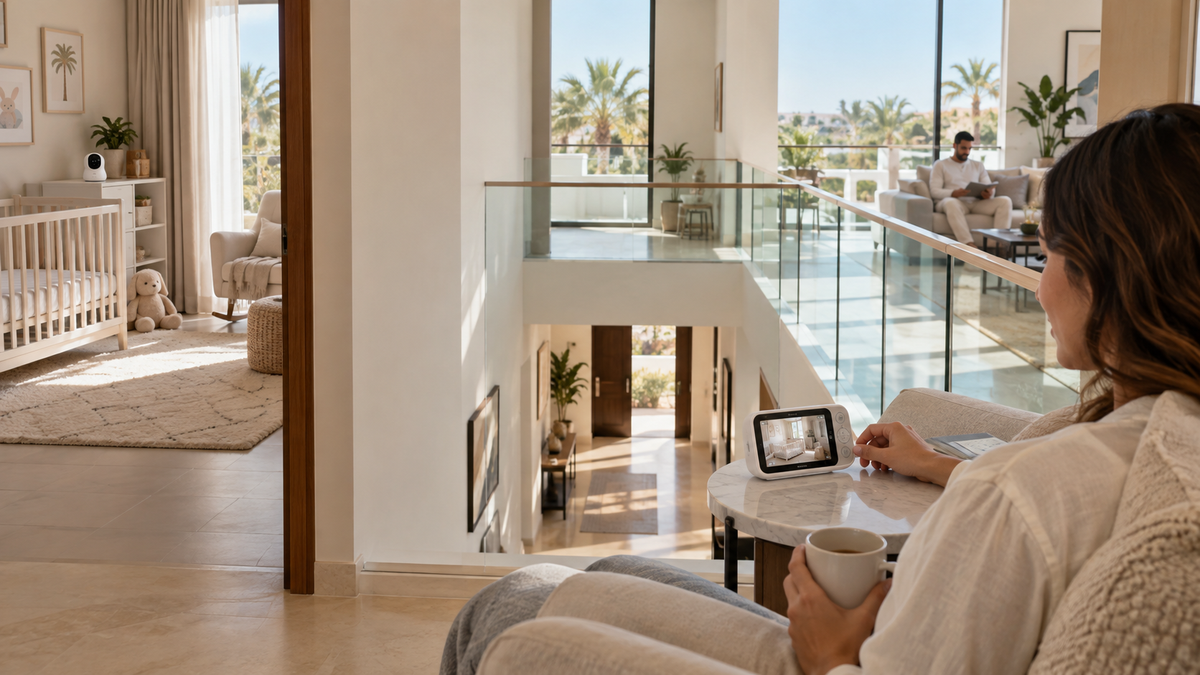
Test vertically as well as horizontally: nursery to kitchen, home office, living room and the floor below. Do not assume a “long-range” label covers a stairwell plus reinforced slab. A mesh node may improve Wi-Fi coverage, while a direct radio parent unit needs its own successful path.
Balcony and yard expectations
Outdoor-adjacent use can still cross exterior walls, coated glass or metal doors. Stay within direct-supervision expectations and never treat signal reception as permission to leave a child unattended.
Router, mesh and extender placement
- Place networking equipment openly and centrally where practical, following its ventilation instructions.
- Use wired backhaul for mesh where available; wireless backhaul quality affects the camera path.
- Confirm the camera’s supported Wi-Fi bands and whether it can roam between nodes.
- An extender can create a new network name or roaming edge; test reconnection after setup.
A real-use test plan
- Install the camera only in a safe final position with its cord secured.
- Run the live view and audio in the nursery for at least one normal monitoring period.
- Walk the parent unit or phone through every intended location and floor.
- Close the doors normally used and test at peak household network use.
- Test recovery after temporarily disabling internet, router Wi-Fi or the parent unit, one at a time.
- Use the seller’s return window if the exact home path is unreliable.
For two rooms, add the capacity and switching checks from the multi-camera guide. For hotels and relatives’ homes, use the travel guide.
Common range mistakes
- Comparing an open-field radio figure with a Wi-Fi coverage claim as if they were the same test.
- Promising a generic distance through concrete or across floors.
- Moving a camera closer to the crib instead of solving placement safely.
- Ignoring router outages, cloud availability or app notification settings.
Final recommendation
Choose based on the hardest real path in your home, not the largest number on a product page. Buy from a seller with a workable return policy, install safely and verify the complete path before relying on alerts.
See the buying criteria in How to Choose a Baby Monitor and compare candidates in Top 10 Baby Monitors in UAE.