
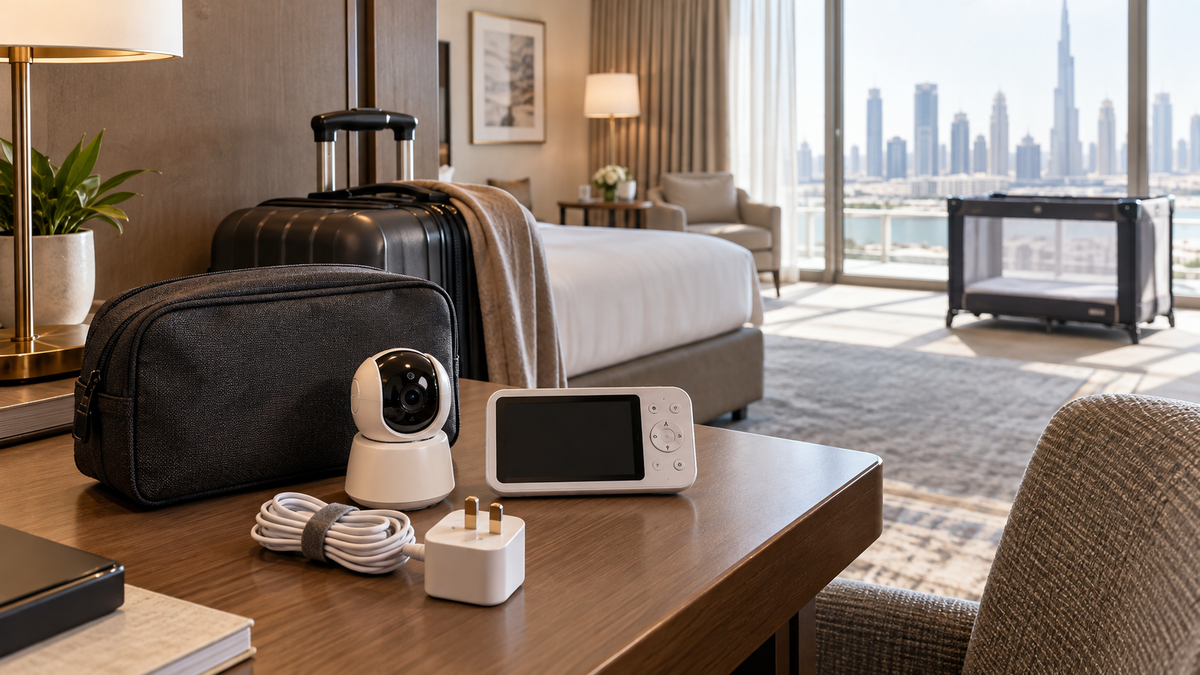
Travel format comparison
| Format | Travel strength | Travel limitation |
|---|---|---|
| Non-Wi-Fi | Fast local setup with dedicated screen | Must remain within radio range |
| Wi-Fi | Remote app access and shared caregivers | Guest Wi-Fi, captive portals and account security |
| Hybrid | Local screen plus optional app | More parts, cost and setup |
| Audio-only | Small and often long-running | No room view |
Review architecture in Wi-Fi vs Non-Wi-Fi.
Hotels and guest Wi-Fi
Hotel networks may use browser sign-in, client isolation, changing credentials or device limits that cameras cannot handle. Never bypass hotel policy or expose the camera through unsafe workarounds. A direct parent unit avoids those network requirements.
Grandparents’ homes and rentals
A known private network can make Wi-Fi setup easier, but remove saved access and shared users after the stay. In rentals, ask permission before mounting and do not damage walls or rely on improvised furniture stacks.
Local versus remote monitoring
Use a local parent unit when caregivers are in the same accommodation. Remote viewing can help another authorised caregiver, but it does not extend supervision or make it appropriate to leave a child alone.
Travel packing checklist
- Camera, parent unit and exact approved power adapters.
- Type-G plug or correct destination adapter, with voltage confirmed on the adapter label.
- Manufacturer-approved stable mount and cord cover or routing accessories.
- Carry pouch, spare supported battery where applicable and written pairing/reset steps.
- Account recovery and MFA method that will work while travelling.
Battery and charging
Do not assume a portable camera is battery powered. Test actual screen-on runtime, charging and reconnection before departure. A power bank or UPS is not appropriate beside a child’s sleep space.
Use the battery and power guide.
Safe temporary placement
Apply the same CPSC rule away from home: cords at least three feet from every part of the cot, crib or play yard; all equipment out of reach; no monitor inside or on the edge. If no stable safe position gives a usable view, use audio or direct checks rather than an unsafe improvisation.
Follow the placement and cord-safety guide.
Privacy on guest networks
- Avoid entering the main monitor-account password on shared devices.
- Use MFA, current firmware and app versions, and remove temporary caregiver access.
- A personal hotspot may work for some cameras, but requires another device, mobile data, stable power and model compatibility.
- Factory-reset or remove the network after a stay when the manufacturer recommends it.
Use the full security and privacy guide.
Range in unfamiliar layouts
Test the route from the child’s room to the actual adult sleeping or sitting area. Hotel fire doors, reinforced walls and long corridors can reduce radio or Wi-Fi performance.
See the range guide.
Common travel mistakes
- Discovering at bedtime that the camera cannot join a captive portal.
- Forgetting the camera adapter because only the parent-unit battery was considered.
- Clipping or balancing a camera on the travel cot.
- Leaving a grandparent or babysitter on the account after the trip.
Final recommendation
A compact local parent-unit system is the dependable travel default. Choose Wi-Fi or hybrid only when remote access is important and you can provide a private compatible network, stable power and safe placement.
Compare current options in Top 10 Baby Monitors in UAE.