
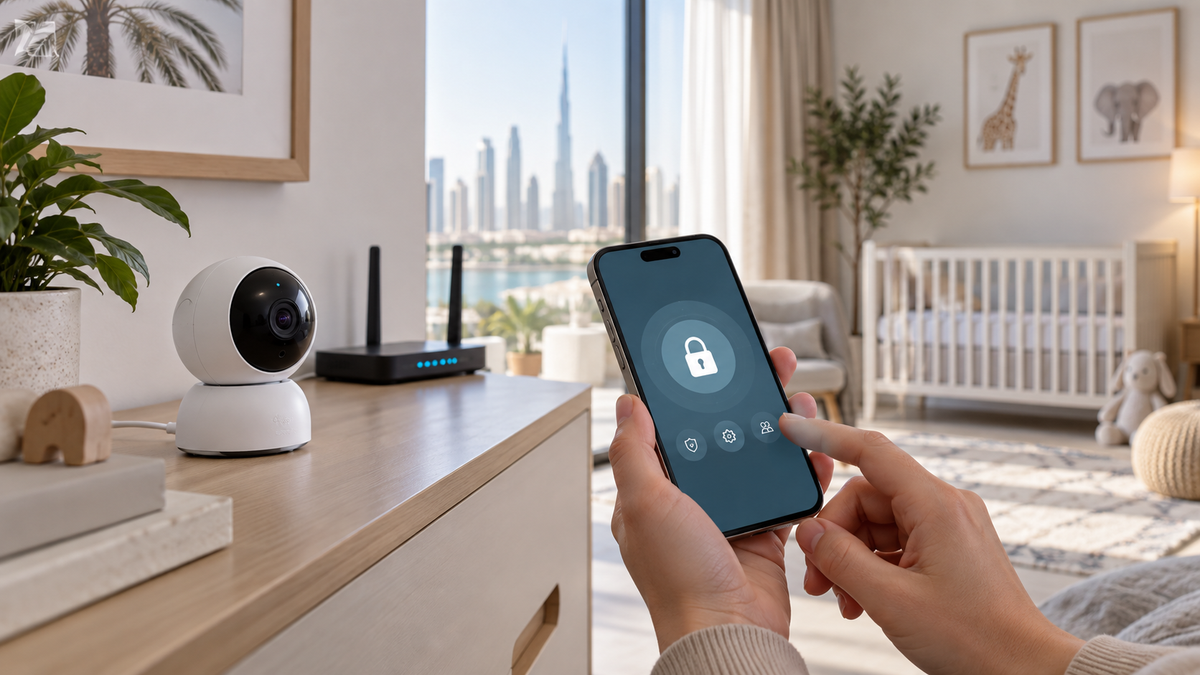
Can someone hack a Wi-Fi baby monitor?
Any internet-connected camera can have vulnerabilities or exposed credentials. Risk depends on the device, account, app, cloud service, network and support lifecycle. That is a reason to evaluate and configure the system—not to claim every Wi-Fi model is unsafe.
Wi-Fi models have additional internet, account and cloud security considerations. Non-Wi-Fi models avoid many of those paths but are not universally “hack-proof.”
Compare the underlying architectures in Wi-Fi vs Non-Wi-Fi Baby Monitors.
Account security
- Use a long, unique password stored in a reputable password manager; never keep a factory default or reuse another account password.
- Turn on multi-factor authentication when the manufacturer offers it.
- Give caregivers separate invitations or guest accounts rather than one shared login.
- Review signed-in devices, sharing permissions and recovery email or phone details.
- Remove babysitters, guests and former household members promptly.
Updates and manufacturer support
Keep camera firmware and the viewing app current. Before purchase, look for a published update policy, security contact, vulnerability-disclosure route and an end-of-support statement. NIST treats secure software updates and lifecycle support as core consumer-IoT considerations.
Encryption: ask precise questions
“Encrypted” can refer to the account login, live stream, cloud archive, local card or traffic in transit. Prefer documented protections and do not infer end-to-end encryption from a lock icon. The FTC recommends checking how account information, live streams and stored video are protected.
Secure the home network
- Use WPA3 or WPA2 where applicable, a strong router administrator password and current router firmware.
- Keep the router firewall enabled unless the manufacturer documents a specific need.
- Do not expose the camera through manual port forwarding unless you understand and accept the risk.
- A separate IoT or guest network is an optional containment measure when the router supports it correctly.
Cloud, local and SD-card privacy
| Storage | Main trade-off | Questions |
|---|---|---|
| Cloud | Remote convenience and provider dependence | Retention, region, subscription, encryption, export and deletion |
| SD card | Physical local copy | Card encryption, removal, overwrite, capacity and theft |
| Device/local hub | Less cloud dependence | Backup, remote access path, encryption and failure recovery |
| No recording | Less stored footage | Whether thumbnails, events or diagnostics are still uploaded |
App permissions and remote sharing
Grant only permissions needed for the features you use. Camera, microphone, photos, local network, notifications and location permissions have different purposes. Disable public links, test invitation expiry and avoid posting nursery clips that reveal routines or home details.
Privacy with caregivers
- Tell caregivers when audio or video recording is active and follow applicable local law.
- Use limited roles if the system offers them; viewing does not always require administration rights.
- For a babysitter in the home, a dedicated parent unit may avoid granting remote account access.
Compare this with a general indoor camera in Baby Monitor vs Security Camera and review consumer-wellness data collection in the smart-features guide.
Before selling, returning or giving it away
- Download only footage you are entitled to keep, then delete clips and cloud history you no longer need.
- Remove every shared user and automation.
- Unpair the camera, remove local storage and perform the manufacturer’s factory-reset process.
- Delete the device from the account and confirm whether the account itself should be closed.
- Change reused network credentials if they were ever entered somewhere insecure.
A five-minute security check
- Unique password: yes.
- MFA: enabled if available.
- Firmware and app: current.
- Router: WPA2/WPA3, strong admin password, current updates.
- Sharing: only current caregivers.
- Storage and subscription: understood.
- End-of-support and security contact: documented.
Final recommendation
Choose a connected monitor only when remote access or app functions solve a real need. Prefer transparent security documentation and ongoing updates, configure the account and router carefully, and remove access when circumstances change.
After defining those requirements, compare the candidates in Top 10 Baby Monitors in UAE or return to the complete choosing guide. For guest networks, see the travel guide.