
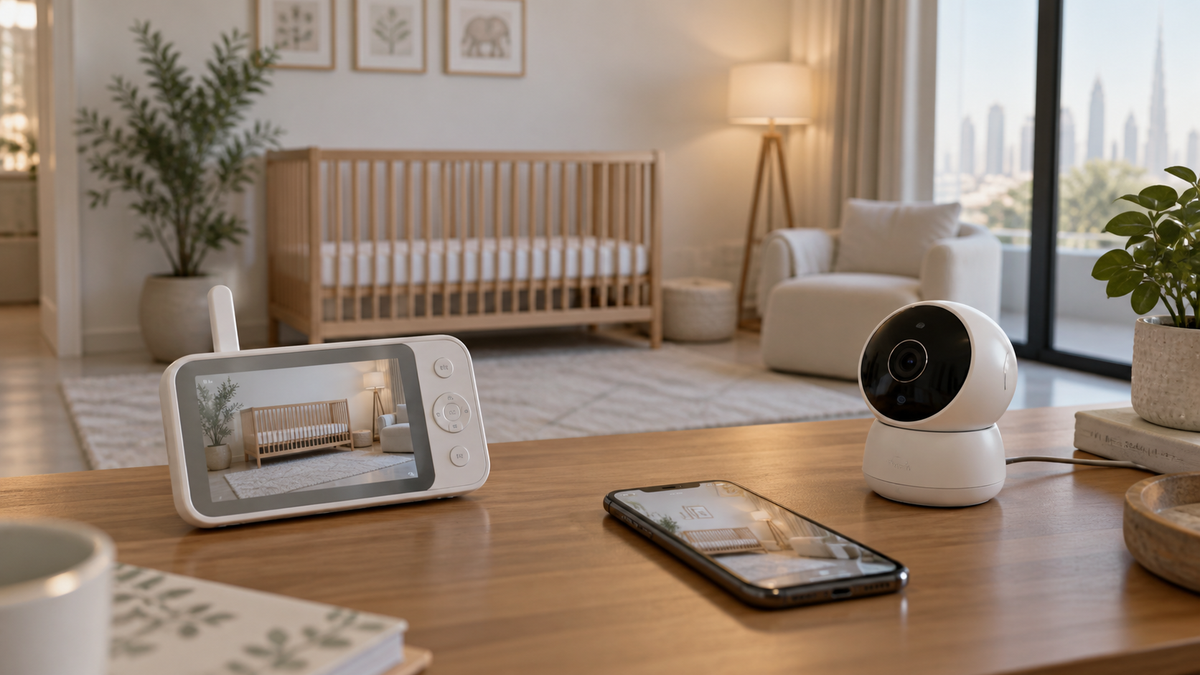
Feature-set comparison
| Factor | Dedicated baby monitor | Indoor security camera |
|---|---|---|
| Parent display | Often available | Usually phone/tablet only |
| Background audio | Common but model-specific | Often limited by app/OS behaviour |
| Remote viewing | Wi-Fi or hybrid models | Common |
| Temperature alerts | Available on some models | Less common |
| Recording | Optional or absent | Often a core local/cloud feature |
| Motion detection | Baby/room-focused on some models | Security-event focused |
| Mounting | Nursery accessories may exist | General wall/shelf hardware |
| Subscription | Varies | Common for cloud history or advanced alerts |
What a security camera can do
A general indoor camera can offer live video, night vision, motion events, two-way audio, pan/tilt and recording. Those capabilities may be enough for some families, especially if they already use the same camera platform.
What it may lack
- A dedicated always-available parent screen.
- Continuous or dependable background audio when the phone is locked or another app is active.
- Baby-specific sound alerts, adjustable night display or temperature information.
- Add-on camera behaviour designed for split-screen or scan monitoring.
- A nursery-specific mounting and cord-routing system.
App dependence and alerts
Security apps may prioritise motion events and clips rather than continuous monitoring. Phone battery, notification permissions, focus modes and operating-system restrictions can affect alerts. Test with the screen locked and while taking a call.
Privacy, cloud accounts and storage
Both Wi-Fi baby monitors and security cameras may use cloud accounts. Compare user invitations, MFA, firmware support, encryption documentation, local or SD-card options, subscription changes and deletion controls.
Use the evidence-led baby-monitor security and privacy guide.
Mounting and cord safety
A flexible security-camera stand is not automatically suitable for a nursery. Use stable manufacturer-approved hardware. Keep all monitor parts out of reach and cords at least three feet from every part of the crib or other sleep space.
Follow the placement and cord guide before installation.
Two real examples in the existing shortlist
The Imou DK2 review and TP-Link Tapo C200 review are existing indoor-camera examples. Treat every alert, storage and app claim as model- and region-specific.
Common mistakes
- Assuming live video means continuous background audio.
- Ignoring cloud subscription changes or storage retention.
- Giving a babysitter the main home-security account.
- Mounting a generic camera close to a crib because its field of view is narrow.
- Assuming a product category is inherently secure or unsafe.
Final recommendation
Choose a dedicated baby monitor when the parent unit, background audio or baby-specific controls matter. A security camera can be sufficient when its tested app behaviour, mounting, privacy and alert model meet your needs.
Compare architecture in Wi-Fi vs Non-Wi-Fi, build your checklist in How to Choose and review the main shortlist in Top 10 Baby Monitors in UAE.