
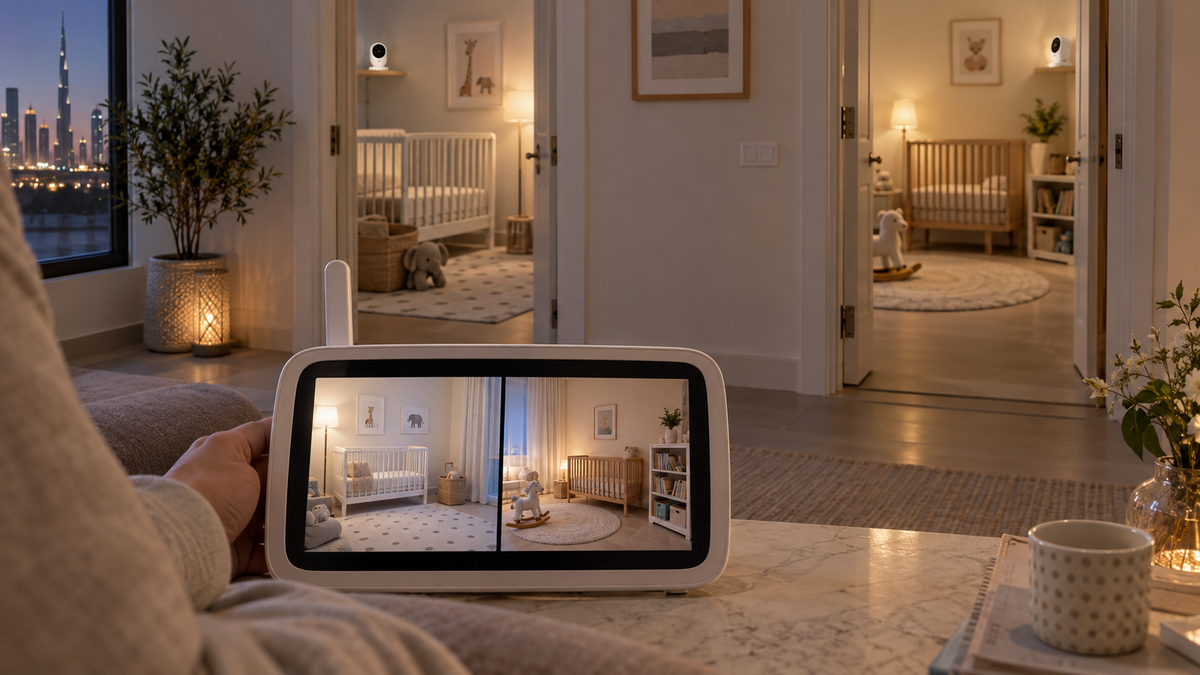
Four ways to monitor two rooms
| Setup | Strength | Trade-off |
|---|---|---|
| One camera | Lowest cost | Cannot show two separate rooms at once |
| Two cameras, split-screen | Simultaneous visual view | Audio focus and display size vary |
| Two cameras, scan mode | One screen cycles between rooms | A room is not visible continuously |
| Two independent systems | Separate screens and failure domains | More devices, chargers and radio congestion |
Split-screen versus scan mode
Split-screen shows two views together, but some systems play audio from only one selected camera. Scan mode rotates cameras at an interval, so alerts and audio behaviour matter. Confirm the manual rather than inferring from “supports four cameras.”
Twins in one room
A single wide view may cover two sleep spaces if it can be installed safely and keeps both areas usable at night. Separate cameras can provide closer views, but add power cords, compatibility checks and screen management.
Siblings in separate rooms
Two rooms make walls and distance more important. Test each camera path independently and then with both streams active. In a Wi-Fi setup, simultaneous video also adds network traffic.
Plan the signal paths with the range guide.
Compatibility is exact-model specific
- An add-on camera normally works only with named parent units or product families.
- A newer camera that looks identical may use different firmware or radio pairing.
- Regional bundles can have different model numbers, power adapters and app support.
- Check the maximum camera count and whether every camera supports every feature.
Battery, bandwidth and alerts
Two active views can shorten parent-screen runtime and increase Wi-Fi bandwidth or cloud processing. Check whether split-screen disables zoom, recording, background audio or high resolution, and whether alerts identify the correct room.
Separate parent-unit runtime from camera power in the battery and power guide.
Permissions and room privacy
A shared app account may expose both rooms to every caregiver. Prefer per-camera or role-based sharing where available, and remove access when it is no longer needed.
Common mistakes
- Buying a second camera before verifying the exact compatible accessory code.
- Assuming “multi-camera” means simultaneous split-screen and two-channel audio.
- Using two systems on crowded radio channels without testing interference.
- Adding a second camera without a second safe power and mounting plan.
Final recommendation
Choose one compatible multi-camera system when a shared screen or app makes daily monitoring easier. Choose two systems when truly independent displays, audio or caregivers matter more than device count.
Build the rest of the requirements with How to Choose a Baby Monitor and compare verified system details in Top 10 Baby Monitors in UAE.